Tips
By Bus to the Balkans: How to Stay Connected in Serbia, Montenegro, and Albania
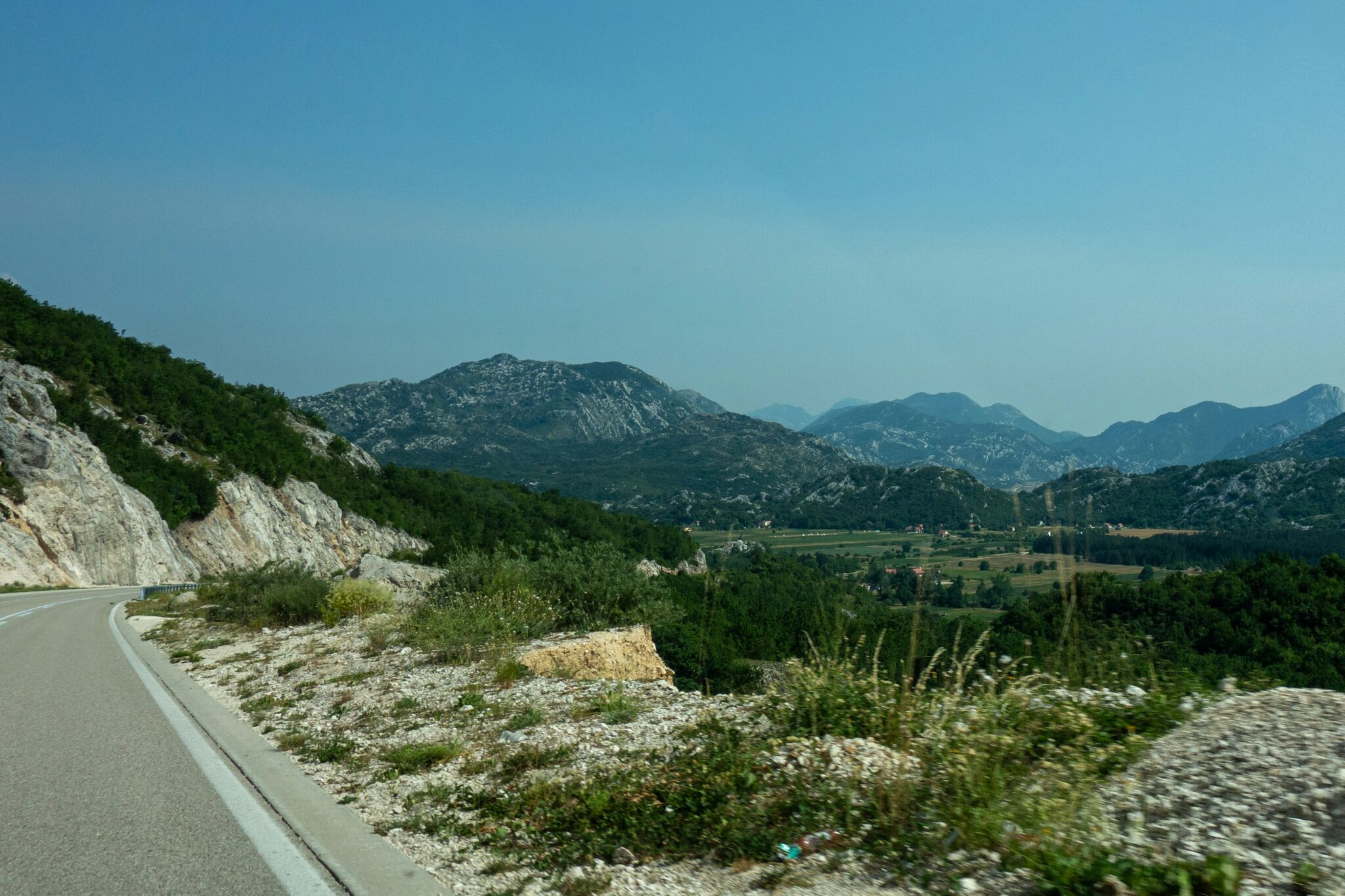
Starting January 1, 2026, Ukraine is part of the "Roam like at home" zone: mobile data across 27 EU member states works under your domestic Ukrainian plan. However, bus routes heading toward the coast often pass through non-EU countries. Serbia, Montenegro, Bosnia and Herzegovina, North Macedonia, Albania, and Moldova still apply standard international roaming rates, making megabytes significantly more expensive than at home.
Where "roam like at home" actually ends. On the Kyiv – Budva route, the bus travels through Poland and Hungary (EU), followed by Serbia and Montenegro (non-EU). Your phone will switch to the local network automatically. If "Data Roaming" is turned on, high roaming fees can accumulate after just a few hours of using navigation and messaging apps. Another common issue occurs near borders, where your device can connect to a neighboring non-EU tower while you are still physically inside the EU. On long journeys, it is best to monitor which carrier network your phone is using.
Connectivity options for the Balkans:
- Carrier roaming. The simplest option, but also the most expensive. Before departing, check your carrier's app to see which roaming zone Serbia or Montenegro belongs to and verify the bundle pricing.
- Local SIM cards. Tourist SIMs are relatively inexpensive in Montenegro and Serbia, but you must buy a new one in each country, and border shops are typically closed in the middle of the night.
- Travel eSIM. You can purchase and install it at home within minutes, and the data plan activates upon your first network connection in the destination country. For instance, the Tutu travel eSIM offers plans starting from $2.99 for Serbia and Albania, $3.49 for Montenegro, and $2.99 for Moldova.
How to configure your phone before departure
- Turn off "Data Roaming" for your primary Ukrainian SIM (incoming calls and SMS messages will still work).
- Enable "Data Roaming" for the eSIM; mobile data will not work without it.
- Set the eSIM as your primary line for Cellular/Mobile Data in your device settings.
- Download offline maps for the entire route, as cellular coverage can be weak through mountainous areas in Montenegro.
How much data you need on the bus
Messaging apps, maps, and music streaming consume roughly 200–500 MB per day. If you stream video on the road, plan for 1–2 GB daily. For a one-week seaside vacation involving navigation, photo uploads, and video calls, 5 GB is usually sufficient.
What to do if data does not work after crossing the border
Confirm that your eSIM is selected for cellular data and that data roaming is enabled for that line. Toggle Airplane Mode on and off. If that fails, go to carrier settings and select the network manually. This resolves most connection issues; if the problem persists, reach out to your eSIM provider's customer support.
The golden rule is straightforward: review which countries on your route lie outside the EU ahead of time, and secure mobile data for them before you reach the border.

Elena Chernenko
Elena is a recognized expert in the bus transportation industry. With a deep understanding of the industry and a wealth of experience, Elena has earned a reputation for reliability working with both large carriers and private companies. Her expertise includes route planning, safety analysis and efficiency of transportation solutions.
In her blog, Elena offers professional advice, reviews current market trends and shares her experience to help readers better understand the world of bus transportation.
Related publications

October 27, 2026

October 27, 2026


October 27, 2026